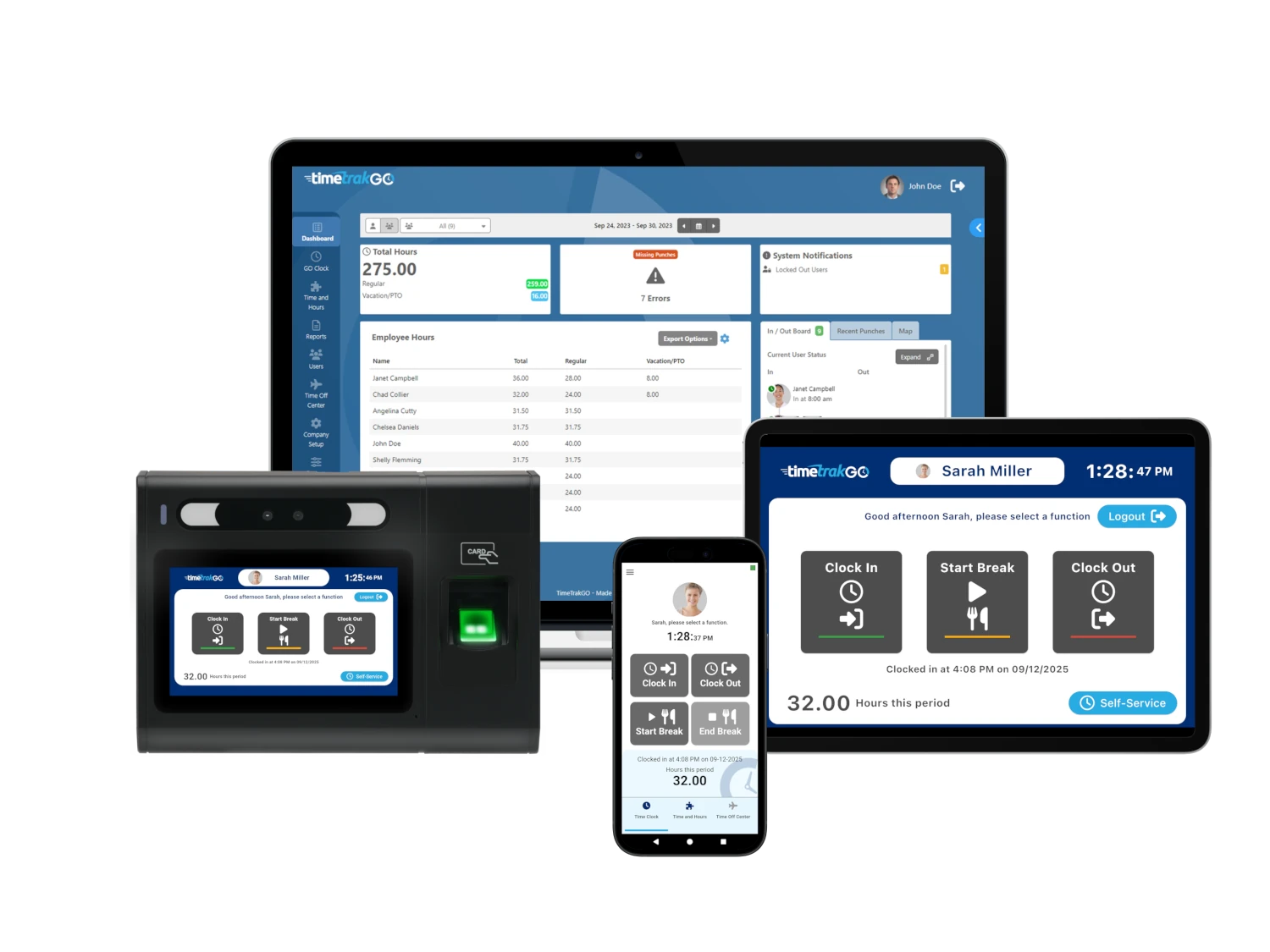


Automating clocking out removes guesswork from time tracking and cuts down on payroll mistakes that quietly drain time and money. It ensures employees are logged out accurately, keeps records consistent, and frees managers from chasing corrections at the end of every pay period.
A shift ends, the floor clears, and one missed clock-out turns into an extra hour paid, a compliance headache, and a follow-up email nobody has time for. With time tracking errors costing businesses hours in corrections each week, automation steps in as a simple fix that keeps teams focused on work instead of paperwork.
The Hidden Costs of Manual Time Tracking: Reducing Payroll Errors
Payroll errors rarely come from a single major mistake. They build from small inconsistencies like:
- Missed clock-outs
- Incorrect entries
- Last-minute adjustments
- Duplicate time submissions
- Delayed timesheet approvals
When time data is incomplete or inaccurate, payroll turns into a process of fixing problems instead of simply processing hours. That slows everything down and increases the risk of incorrect pay.
Automating clocking out helps reduce time tracking errors. Instead of relying on employees to remember every punch, the system applies consistent rules based on schedules and policies.
Hours are recorded accurately in real time, which means fewer gaps to fill and fewer assumptions to make later. This reduces the need for manual corrections and keeps records clean from the start.
Boost Accuracy
Accuracy is where automated clocking out delivers the most immediate impact. Manual time tracking depends heavily on memory and timing, which leaves room for small mistakes that quickly add up.
A forgotten punch or a rough estimate at the end of a long shift can throw off records in ways that are difficult to catch later. Automation removes that uncertainty by capturing time data as it happens or applying clear rules when a shift ends.
With automation in place, every entry follows the same logic. Clock-outs happen consistently based on schedules, system rules, or real-time activity, which means fewer gaps and fewer corrections. Instead of relying on employees to remember exact times, the system records them accurately, reducing the chance of discrepancies across teams and departments.
That consistency also improves the quality of data over time. Clean, reliable records make it easier to run payroll and plan staffing with confidence.
Employee Time Management: Scaling Operations
Growth puts pressure on every system a business relies on, and time tracking is often one of the first areas to show strain. What works for a small team can quickly become difficult to manage across multiple locations, departments, or shifting schedules. Manual clocking out creates more gaps as headcount increases, which leads to:
- More corrections
- More oversight
- More time spent managing basic processes
Automating clocking out removes that bottleneck by applying consistent rules across the entire organization. Each employee follows the same structure, no matter where they are working or how their schedule is set up. This keeps time tracking predictable and reduces the need for hands-on management as the business expands.
It also supports better coordination between teams. With accurate, real-time data flowing into one system, payroll, HR, and operations stay aligned without constant communication to fix errors.
Can Automated Systems Adapt to Different Scheduling Models and Shift Structures?
Automated time tracking systems are built to handle far more than standard nine-to-five schedules. Modern workplaces rely on a mix of shift types, and automation is designed to adapt to those variations without creating extra work for managers or employees.
Different scheduling models can be supported within the same system. Fixed schedules, rotating shifts, split shifts, and on-call work can all be managed through configurable settings.
The system can apply different clock-out rules depending on the role, department, or shift type, which keeps tracking accurate even when schedules change frequently. This flexibility is especially useful in industries where staffing needs shift daily or weekly.
Automation also handles edge cases that tend to create problems in manual systems. The following can all be managed through predefined rules:
- Early clock-outs
- Extended shifts
- Overtime thresholds
- Missed punches
Instead of relying on manual adjustments, the system responds automatically based on the time scheduled and what actually happened.
Frequently Asked Questions
What Is the 8-Minute Rule for Clocking Out?
The 8-minute rule is a common payroll rounding method used to simplify time tracking. It allows employers to round clock-in and clock-out times to the nearest 15-minute interval based on how close the recorded time is to that mark.
In practice, if an employee clocks out within the first seven minutes of a 15-minute window, the time is typically rounded down. If the clock-out happens at eight minutes or later into that window, it rounds up to the next quarter hour. For example, a 5:07 clock-out is recorded as 5:00, while a 5:08 clock-out is recorded as 5:15.
What Are Common Timesheet Mistakes?
Timesheet mistakes are usually small but frequent, and they can quickly lead to bigger payroll issues.
Common ones include:
- Forgetting to clock out at the end of a shift
- Entering the wrong start or end time
- Rounding hours inconsistently
- Missing or incorrectly logging breaks
- Logging time under the wrong job or task
- Duplicate or overlapping entries
- Submitting timesheets late or incomplete
What Training Is Required for Employees to Use Automated Time Tracking Tools?
Very little. Most employees pick it up in minutes, not days.
Training usually covers:
- How to clock in and out on their device
- How automatic clock-outs work
- Where to check their hours
- Who to contact if something looks off
- Basic rules around breaks and overtime
After a quick walkthrough, the system does most of the work. Employees just follow the prompts, and the routine becomes automatic fast.
Clocking Out: Start Today
Automatic clocking out is an awesome choice for most businesses.
Ready to take the guesswork out of clocking out and finally trust your payroll data? TimeTrak makes it simple to automate clock-outs across your entire team, so missed punches, manual edits, and end-of-day confusion stop slowing you down. With flexible options like mobile, biometric, RFID, and kiosk-based clock-ins, your staff can log time accurately from anywhere while you stay in control with a clear, visual timecard system.
If your business is growing and manual tracking is starting to show cracks, this is the moment to switch to a smarter system. Sign up today.